
Per-platform overrides
Google and Meta don’t want the same title. Keep a Shopify original, then rewrite each channel.

Wireless ANC Headphones — 40hr battery
Meta
Quiet luxury, all-day listening

Per-product overrides, diagnostics, and live URLs for Google Merchant Center and Meta Catalogs — from Shopify admin.

Product feed
Wireless ANC Headphones
Google · Optimized

Premium Leather Wallet
Meta · Needs review
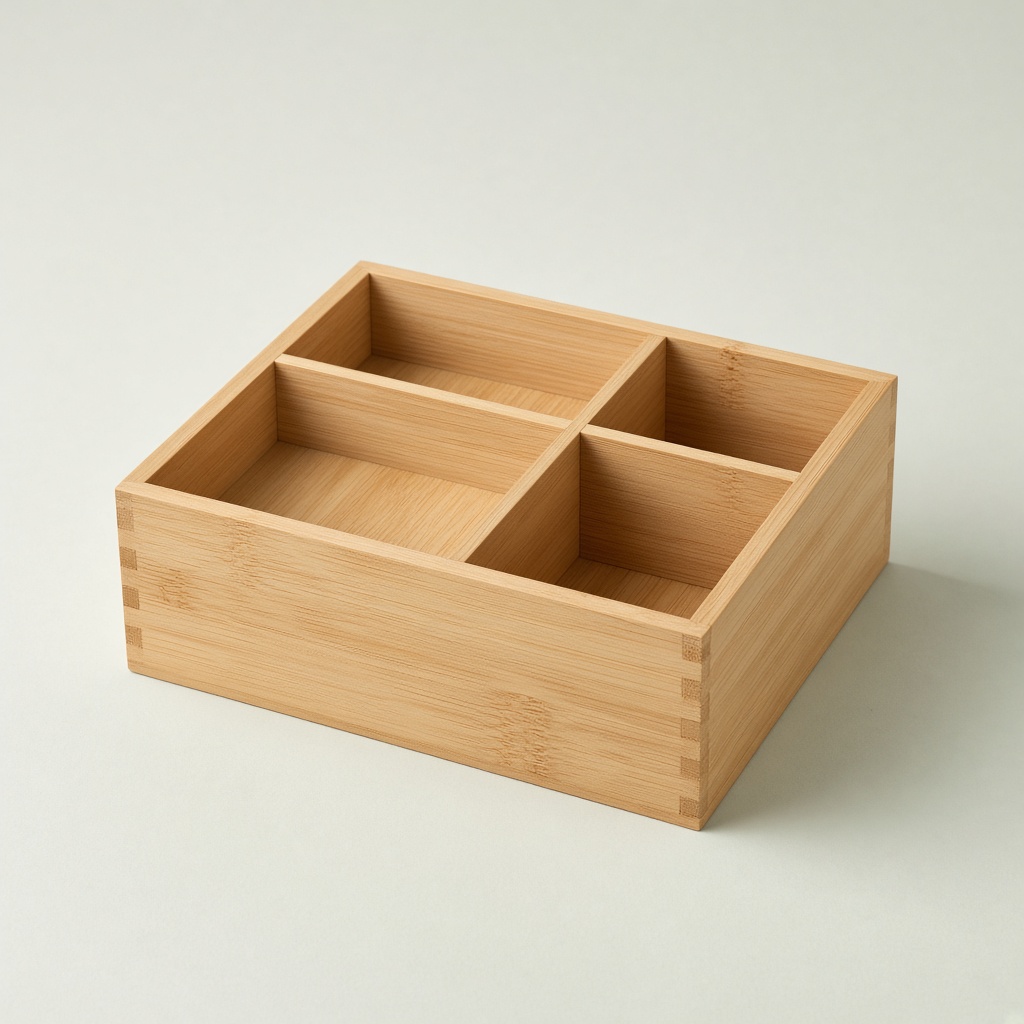
Bamboo Desk Organizer
Both · Live

Variant A · 48%

Variant B · winner
Titles stay in sync, per platform.
 Shopify
  Meta
Meta Catalog
Shopify gives you product pages. Google and Meta want structured catalog data — titles, attributes, and images that match how people actually shop ads.
Google and Meta don’t want the same title. Keep a Shopify original, then rewrite each channel.
Wireless ANC Headphones — 40hr battery
Meta
Quiet luxury, all-day listening
See what’s incomplete before Merchant Center does.
88
Feed health score
12 missing GTIN
Ready to fix in the editor
Serve image variants in the catalog feed and see which photo drives revenue.
Paste once. Prices and stock stay current.
Google Shopping
feeds.feedfly.io/store/google.xml
Meta Catalogs
feeds.feedfly.io/store/meta.xml
Last sync 2 minutes ago
The path
One Shopify catalog in. Live Google and Meta feeds out — current the moment a price, title, or image changes.
How it works
Install, rewrite what each channel actually needs, then paste a live feed URL. No developers. No weekly CSV ritual.
Authorize Feedfly and your catalog syncs automatically. No CSV uploads, no manual mapping.
Google title override
Customize copy and media for Google vs Meta. Use AI where it helps, keep full manual control.
Meta Live Paste the live feed into Google Merchant Center or Meta Commerce Manager and start advertising.
Outcomes
Setup: < 10 min. Most merchants paste a live feed URL the same day they install.
Platforms: 2. Google Merchant Center and Meta Catalogs from one Shopify catalog.
Re-uploads: 0. Webhooks keep prices and stock current. You don't re-export.
Free plan: 50. Fully functional for small catalogs. No time limit on Free.
Trial: 7 days. Paid plans include a 7-day trial. No card required to start.
Export: XML + CSV. Scheduled fetch via live URL, or download a file when you need one.
Integrations
Shopify is the source. Google and Meta get a live feed that updates when your catalog does.
Shopify Meta Resources
Connect a live XML feed to Merchant Center scheduled fetch.
Open the guide →Publish Facebook and Instagram catalog ads from Shopify.
Open the guide →Practical articles on titles, disapprovals, and catalog quality.
Read the blog →Install help, feed URLs, billing — we read every message.
Get help →Pricing
Start free. Upgrade when you need both platforms, more products, or AI-powered optimization.
Start for free
Fully functional for small catalogs. No time limit on the free plan.
Run ads with confidence
For stores actively running Google or Meta catalog ads.
Recommended
Optimize & improve performance
For merchants who care about catalog quality and ad performance.
AI Features
For serious catalog advertisers
For high-volume Shopify stores running serious Google Shopping and Meta catalog campaigns.
AI Features
Premium
7-day free trial on all paid plans
No credit card needed to start. Cancel anytime.
FAQ
Feedfly is a Shopify app that syncs your product catalog and helps you export optimized feeds for Google Merchant Center and Meta Catalogs. You can customize titles, descriptions, and images per platform, then publish via live feed URL or file download.
No. Feedfly helps you improve feed quality and catch common data issues early. Approval decisions are made solely by Google and Meta under their own policies. You remain responsible for accurate product data.
Creative Tests let you upload multiple product images as variants and serve each through your catalog feed at a weighted percentage. A small theme embed tracks which image visitors arrive with and attributes orders back to each creative. The result is a data table showing visits, conversion rate, orders, and revenue per image — so you know which product photo actually drives sales before you scale ad spend on it. Available on Scale and Pro plans.
Yes — always. AI suggestions are starting points. You review, edit, and approve everything before it goes into your feed.
All of them: Basic, Shopify, Advanced, and Plus. You need an active store with at least one published product.
Feedfly registers product webhooks with Shopify at install. When a price changes, a product goes out of stock, or you publish a new SKU, Feedfly processes the update and your live feed URL reflects it within minutes. Paid plans also run a scheduled full reconciliation sync every 12 hours as a backup. You don't need to re-upload anything.
Most tools only reformat Shopify data. Feedfly adds per-platform overrides, feed diagnostics, AI title and description generation, and Creative Tests — a feature that lets you A/B test product images directly in catalog feeds and measure which creative drives the most orders. No other Shopify feed app does that.
No. Install from the Shopify App Store, connect your store, copy your feed URL into Google Merchant Center or Meta Commerce Manager, and you're live. Most merchants finish setup in under ten minutes.
More on our FAQ page or support center.
Make sure both are ready — install Feedfly and connect Google or Meta today.
Feedfly is an optimization tool. It does not guarantee approval by Google or Meta.